What software engineering got wrong for decades, you're about to repeat with AI

I’ve been a software engineer for 20 years. Current AI coding tools — OpenClaw, Claude Code, Claude Cowork — are designed, in a way, to replace people like me. They write code. They run commands. They debug their own mistakes (sometimes).
And honestly? I get it. Engineers are expensive. We take forever. We still ship bugs. We’re weird in meetings. If you could skip us and just tell a computer what you want, why wouldn’t you?
But here’s the thing about those 20 years. Most of what I learned wasn’t about code. It was about how to think about complex tools, how to avoid traps that look like shortcuts, and when to spend money versus when to save it. Those lessons translate directly to using AI — whether you’re a developer or a business owner who’s never written a line of code.
1. Keep it simple, stupid
The KISS principle — “keep it simple, stupid” — came from Kelly Johnson, the lead engineer at Lockheed Skunk Works in the 1960s. He designed spy planes. His rule was that any jet engine should be repairable by an average mechanic in field conditions with basic tools. If the design was too clever for that, the design was wrong.
Sixty years later, every engineer still goes through the same arc. You start out doing simple things because you don’t know any better. Then you discover all these exciting tools and techniques and you go deep — design patterns, microservices, orchestration frameworks, the works. You feel smart. Your systems are sophisticated.
Then they break at 2 AM and you can’t figure out why because there are fourteen moving parts and you built six of them in a weekend.
Eventually, you come back to simple. Not because you can’t do complex — because you’ve learned that keeping things simple is actually harder and almost always better. There’s a whole manifesto about this called The Grug Brained Developer that puts it better than I ever could:
apex predator of grug is complexity complexity bad say again: complexity very bad you say now: complexity very, very bad given choice between complexity or one on one against t-rex, grug take t-rex: at least grug see t-rex
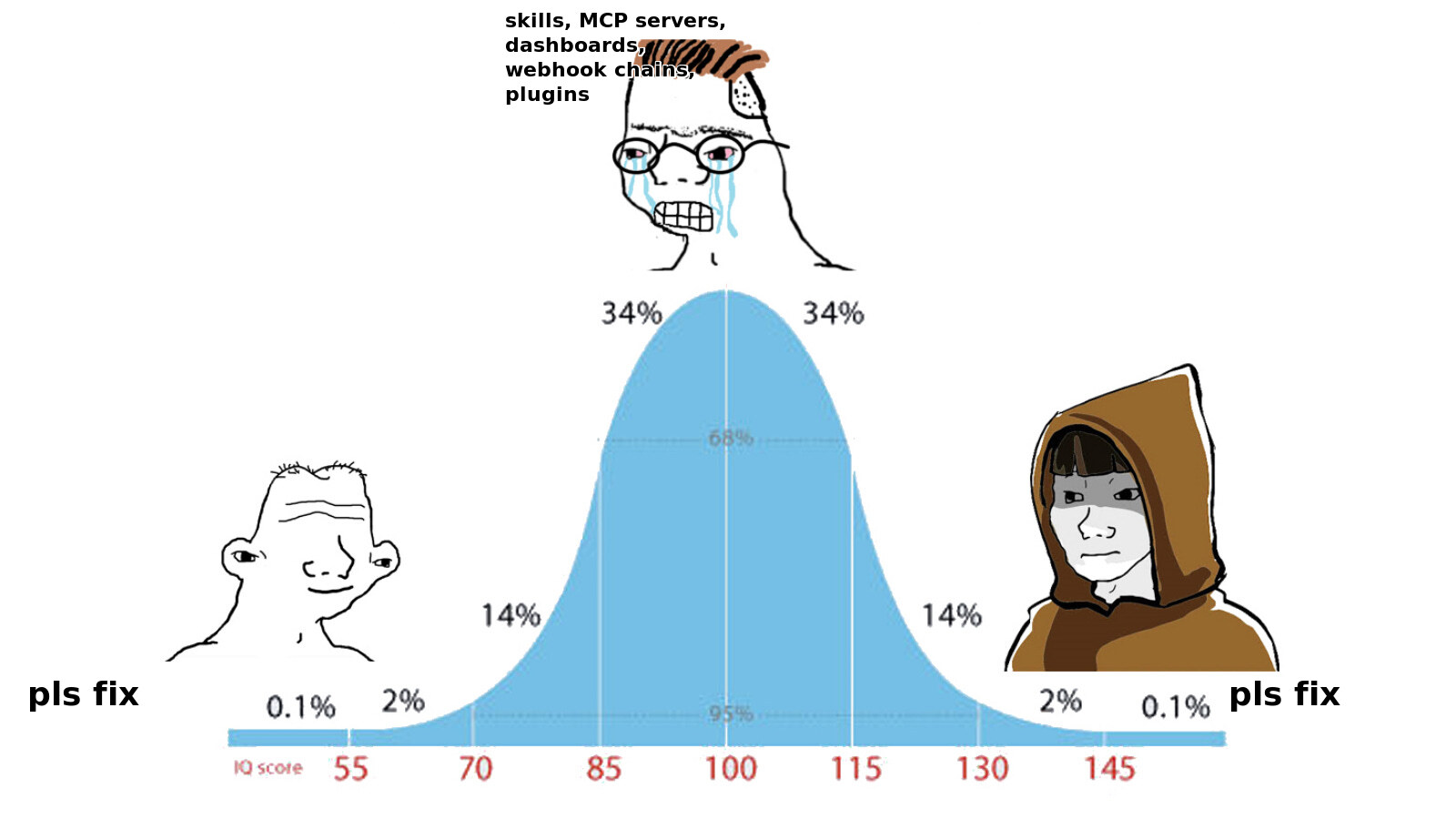
Same arc happens with AI tools. You try ChatGPT or Claude, it works, you’re amazed. Then you discover the “advanced” stuff — skills, custom workflows, automation dashboards, webhook chains. The AI tool marketplaces are full of pre-built “skills” that promise to do specific tasks for you: summarize meetings, write emails in your tone, generate reports in a particular format. Sounds great. You install twelve of them.
Here’s what actually happens. Half of those skills are just prompts with a button on them. Literally a sentence or two of instructions wrapped in a UI that makes it look more sophisticated than it is. You could type the same thing yourself. The other half try to do something clever, but they don’t know your business, your context, or what you actually meant — so you spend more time correcting their output than you would’ve spent just asking the AI directly in plain language.
A good foundation model with a clear, specific prompt will figure out how to do the task on its own. You don’t need a “meeting summarizer skill” — you paste the transcript and say “summarize this meeting, focus on action items and who owns them.” Done. The model already knows how to do that. The skill didn’t teach it anything. It just added a layer of abstraction between you and the thing that’s actually doing the work.
And then there are the plugins — MCP servers, browser extensions, third-party integrations that connect your AI to other tools. These aren’t just unnecessary complexity. They’re a real risk. Security researchers at Pynt found that 10% of MCP plugins are fully exploitable, and with just 10 installed, there’s a 92% probability that at least one can be silently exploited. In 2025 alone, MCP vulnerabilities led to WhatsApp messages being exfiltrated, GitHub private repos being exposed, and a remote code execution hole in Cursor AI. These aren’t theoretical attacks. They happened.
So your setup now has skills that are just prompts pretending to be features, plugins that crash and occasionally leak your data, and you’re spending your evenings managing all of it instead of doing actual work.
The best solutions use the fewest moving parts. A well-written prompt in a plain chat window will outperform a Rube Goldberg machine of twelve connected skills and plugins nine times out of ten. You can always add complexity later if the simple version hits a wall — but figure out how far you can get with the core solution first. Most people never hit that wall.
2. Don’t cheap out on the model

Developers have a reputation for demanding expensive hardware. It annoys everyone — marketing gets by on a ThinkPad while engineering insists on MacBook Pros with 64 GB of RAM and two external monitors. And from the outside, it doesn’t even look like they use all that power. They sit there, stare at the screen for hours, and occasionally type something.
But the math works out. Forrester studied this for Apple and found that Macs save $547 per device over five years despite the higher sticker price — 60% fewer support tickets, 45 fewer minutes per month on startup and updates, 186% ROI. IBM deployed 200,000 Macs and saw 22% more employees exceeding performance expectations. The expensive tool is often the cheap one when you zoom out far enough.
People make the opposite mistake with AI. They hear that AI is expensive, so they go to model aggregators, hunt for the cheapest option, try free tiers, chase rumors about which budget model is “almost as good” as the top one. They spend an hour getting a $0.002 response that’s wrong, then another hour trying to fix it with follow-up prompts that are also wrong, then give up and conclude that “AI isn’t there yet.”
They’re not alone. 54% of small businesses tried AI in the last two years, but 46% abandoned it within three months. I can’t prove all of those failures were caused by using the wrong model, but I’ve seen the pattern enough times to have a strong suspicion.
AI is there. You just used the cheap stuff.
The difference between a top-tier model and a budget one isn’t incremental. It’s the difference between an assistant that understands what you mean and one that produces confident-sounding nonsense. The good models hold context over long conversations, catch nuance, know when to ask for clarification. The cheap ones forget what you said three messages ago and hallucinate the rest.
And the good ones are getting cheaper fast. The Stanford AI Index found that the cost of running a model at GPT-3.5 level dropped 280-fold between November 2022 and October 2024. What cost $20 per million tokens now costs $0.07. The frontier models are still more expensive, but the trend is clear and it’s not reversing.
If you’re a business owner evaluating AI: get a EUR 20/month subscription to Claude or ChatGPT. That’s it. Use the best available model for a month. If AI can’t help your business after a month of actually good AI, fair enough — maybe it’s not the right time. But don’t make that judgment based on a free model that was trained on a fraction of the data and runs on a fraction of the compute.
If you’re a developer: same logic, different scale. The $200/month pro tier pays for itself the first time it saves you a day of debugging. I’ve watched engineers burn entire afternoons wrestling with a cheap model when the expensive one would’ve nailed it on the first try.
Either way, the worst outcome isn’t spending too much on AI. It’s spending too little, having a bad experience, and writing off the whole technology for another year while your competitors don’t.
3. Don’t weld yourself to one tool

If you’ve ever set up a smart home, you know this pain. You bought Philips Hue lights, a Nest thermostat, and Ring cameras. They all worked fine — inside their own apps. Then you wanted them to talk to each other. Turns out Hue talks to Alexa but not Google Home (or it does, but badly). Ring is an Amazon company, so it plays nice with Alexa but fights with everything else. Your thermostat has its own idea of what “away” means. Three years in, you’ve got four apps on your phone to control one house, and switching to Apple HomeKit would mean replacing half your hardware.
That’s vendor lock-in. Engineers learn it the hard way too. We pick a tool or a framework, build everything around it, and then the tool changes its pricing. Or gets abandoned. Or something better shows up. The ones who survive these transitions are the ones who kept their core logic portable — not tangled into one vendor’s specific way of doing things.
With AI tools, the cycle is even faster. ChatGPT’s market share dropped from 76% to 60% in two years. Claude doubled its share in the same period. Grok went from 1.6% to 15.2% in a single year. Whatever tool you’re using today might not be the best option six months from now, and almost certainly won’t be the best option in two years.
If your entire automation setup only works with one specific AI tool — if your prompts use features unique to that platform, if your workflows depend on that tool’s specific API — you’ll be starting over when the landscape shifts. And it will shift.
The fix is simple: keep your core instructions in plain text. Write your prompts, your process descriptions, your business rules in a format that any AI system can understand. Treat the specific tool as interchangeable plumbing. When the next thing comes along (and it will), you copy your text files over and you’re running in an afternoon instead of rebuilding for a month.
4. Use the tools that already exist

There’s a design philosophy from the 1970s that’s aged better than almost anything else in computing. It comes from the creators of Unix — Ken Thompson and Dennis Ritchie at Bell Labs — and it says: each tool should do one thing and do it well. Don’t build a Swiss Army knife. Build a knife, a screwdriver, and a can opener, and let people combine them.
Fifty years later, the result is thousands of command-line tools that are absurdly good at their specific jobs. ffmpeg converts any media format to any other media format. ImageMagick resizes, crops, and transforms images. pandoc turns a Word document into a PDF, or Markdown, or an ebook, or HTML, or about forty other formats. These tools have been maintained for decades, tested by millions of users, and handle edge cases that would take you weeks to discover on your own.
Here’s the problem: people treat AI like it should do everything from scratch. Need to resize 200 product photos? They’ll ask the AI to write a Python script with Pillow that loops through a directory, opens each image, calculates the new dimensions, handles different aspect ratios, preserves EXIF data, and saves the output. The AI will happily do it. It’ll burn through tokens generating 40 lines of code, maybe miss a couple of edge cases, and you’ll spend another few prompts debugging.
Or you could just run mogrify -resize 800x600 *.jpg. One command. ImageMagick’s been doing this since 1999. It handles every edge case. It’s already on most Linux and Mac systems.
The irony is that AI is great at using these tools. It can read man pages, construct complex command pipelines, and chain tools together — that’s literally what it’s best at, since these tools communicate through text. Doug McIlroy, who invented Unix pipes, described the philosophy as “write programs that handle text streams, because that is a universal interface.” AI is a text interface. It’s a natural fit.
But most people don’t tell their AI to look for existing tools first. So it doesn’t. It defaults to writing code from scratch because that’s what you asked it to do — and it’s an eager worker. The fix is stupidly simple: tell it. A single line in your AI configuration file (CLAUDE.md for Claude Code, or whatever your tool uses) saying “before writing code for file conversion, image processing, or data transformation, check if a CLI tool already handles it” changes the behavior completely. If the right tool isn’t installed, the AI should say so and suggest installing it — not silently reinvent it in Python.
And you don’t need to know what those tools are called. That’s the whole point. You don’t need to have heard of pandoc or ffmpeg or mogrify — the AI already knows them. Just flip the question around: instead of asking “convert these files for me,” ask “what’s the best existing tool to convert these files?” The AI will tell you. It’ll suggest the tool, explain what it does, and offer to install it if it’s not already on your system. You get a battle-tested solution without having to memorize a catalog of command-line utilities. The AI’s training data is basically a giant index of every tool ever documented — use that knowledge before you use its code generation.
This isn’t just about saving tokens, though it does save a lot of them. It’s about reliability. pandoc has been converting documents since 2006. It’s had twenty years of bug reports, edge cases, and fixes. Your AI-generated script has had twenty seconds of existence and zero users besides you. Which one do you trust with your client’s invoices?
If you remember nothing else
All four of these lessons come down to the same thing: don’t let the tooling become the project.
Keep it simple. Use the good stuff. Stay portable. Use what’s already built. Spend your time on the actual problem — automating the process, building the product, serving the customer — not on managing the tools you’re using to do it.
Engineers spent decades learning this. You don’t have to.
Book a free call. I'll tell you exactly what I'd automate first, what hardware you need, and what the whole thing costs. No surprises.
Book a free call